
Know where to be.
And what the work is worth.
YTW Schedule is a visual calendar built for real life: shifts, appointments and outside calendars in one place, with paycheck estimates that connect time to money. Easy for the person to read, easy for a supporter to set up.

A calendar that shows time, not just lists it.
Blocks are sized by how long they last, so a long shift looks long. A red line marks the current time, so "now" is never a guess.
Week, Month and Year
Zoom out to plan or zoom in on today.
Current time line
A red line shows where you are in the day.
Schedule zoom
Make the hours bigger for easier reading.
Shift reminders
Optional reminders before a shift starts and before it ends.
On the Picture Frame
Show today's agenda on a spare screen at home.
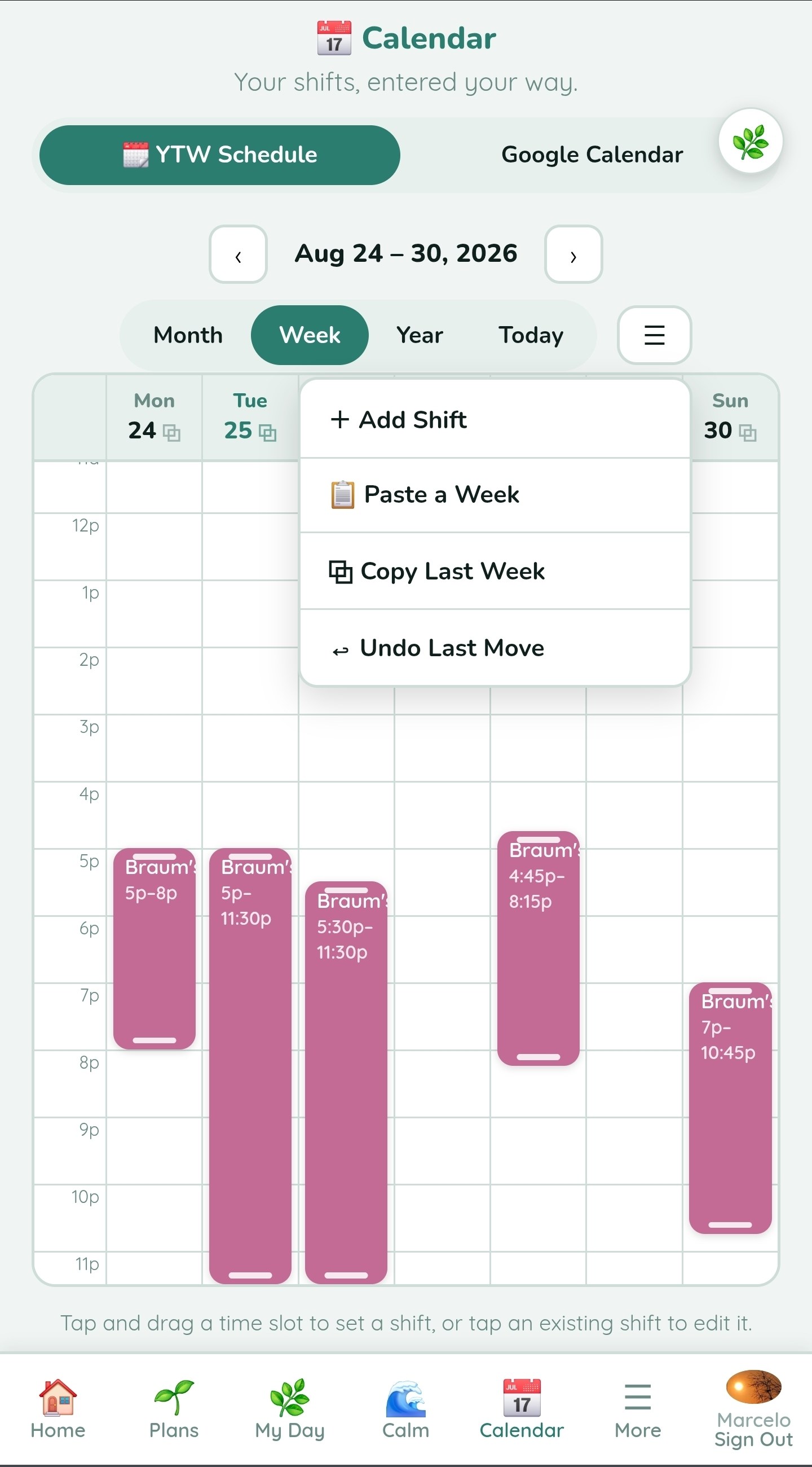
Build a whole week in seconds.
Most weeks look like the last one. YTW Schedule is built around that, so supporters spend less time typing and more time helping.
Repeat a regular week with one tap, then adjust what changed.
Send a day to tomorrow, to picked days or to any other date.
Paste a schedule as text, preview it and add all entries at once.
Tap and drag to add a shift, resize it, and undo or redo any move.
Edit mode locks itself again after a few idle minutes, and schedule changes are recorded in the Activity Log.
Connect hours worked to money earned.
For someone starting a job, the link between a shift and a paycheck is not obvious. YTW Schedule makes it visible.
Mark what was actually worked, or note why a shift was cancelled.
See how many days until payday and an estimate of what is coming.
Hours, gross pay, estimated federal tax and take-home pay, with a forecast and an earnings chart.
See how long it takes to reach a goal from real pay, including planned raises.
No job yet? Payroll stays out of sight until it is turned on.
Pay and tax figures are estimates to help with planning, not payroll or tax advice.

Bring outside calendars in. Send your schedule out.
Keep school, family and doctor calendars where they are, and still see everything in one calm view.
Add Google or other calendar links and see them in Day, Week or Month view, each in its own color. Tap any day to open it.
Daily Tools saves the last good agenda, so the calendar still shows plans if the outside calendar stops syncing.
Share a private schedule feed that family can subscribe to in Google, Apple or Outlook calendars.
Time, work and money, connected.
YTW Schedule works together with Daily Routine, My Money, Rewards and the rest of Daily Tools. Compare plans to see what fits.